I wanted my portfolio to show some personality. A photo helps people see who I am, but I also wanted something playful to look at and interact with. When I came across ASCII graphics, I started experimenting with turning my portrait into a pattern.
I went through many versions of the tile size, patterns, contrast, and reveal. Smaller tiles kept more of the face visible; larger ones made the individual marks more noticeable. I kept coming back to the same question: could you still recognise me, and was the pattern interesting enough to play with?
These are some of the versions I tried in the homepage layout, from the placeholder silhouette to the portrait with pink glasses.
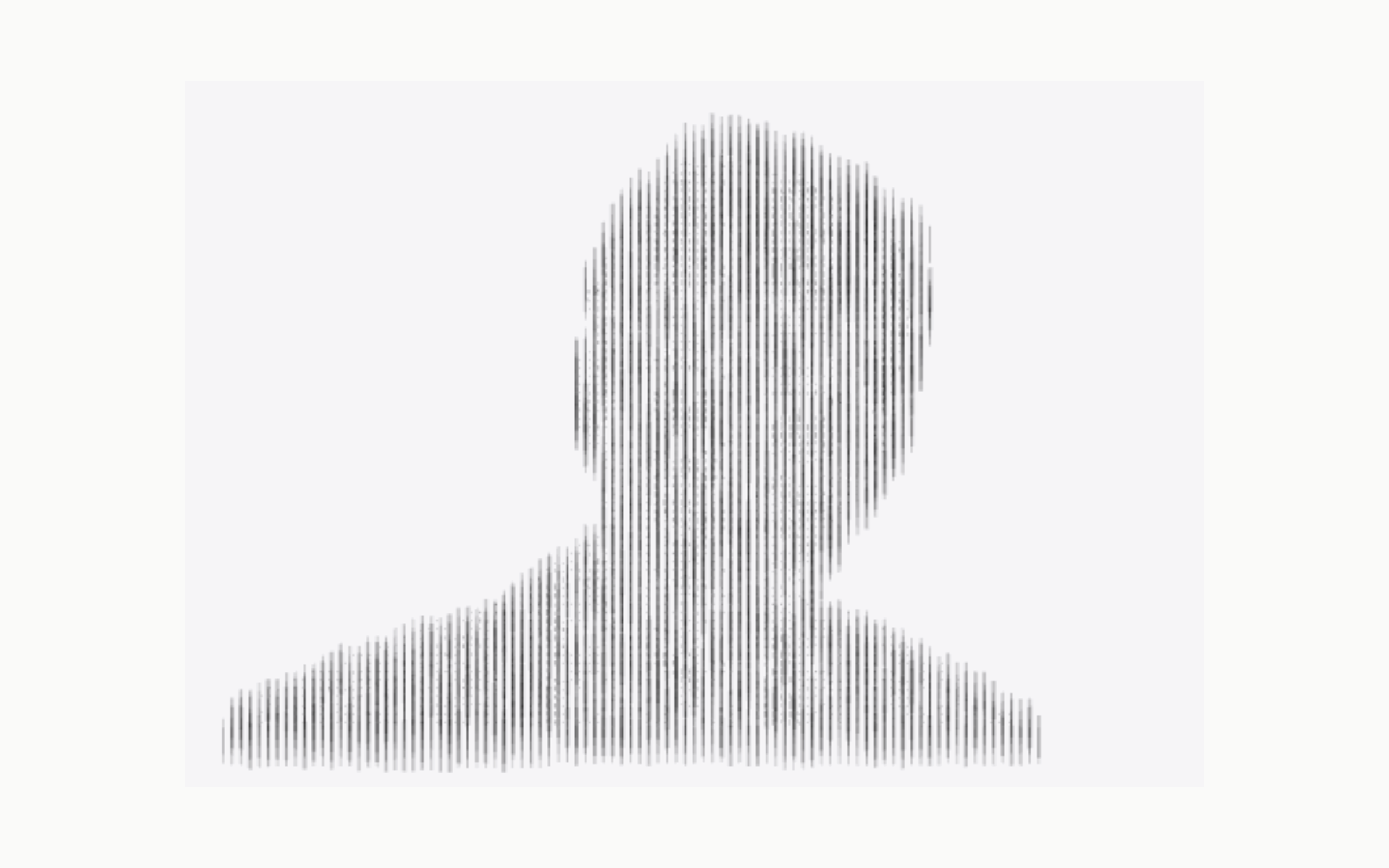
An early test using a placeholder silhouette. 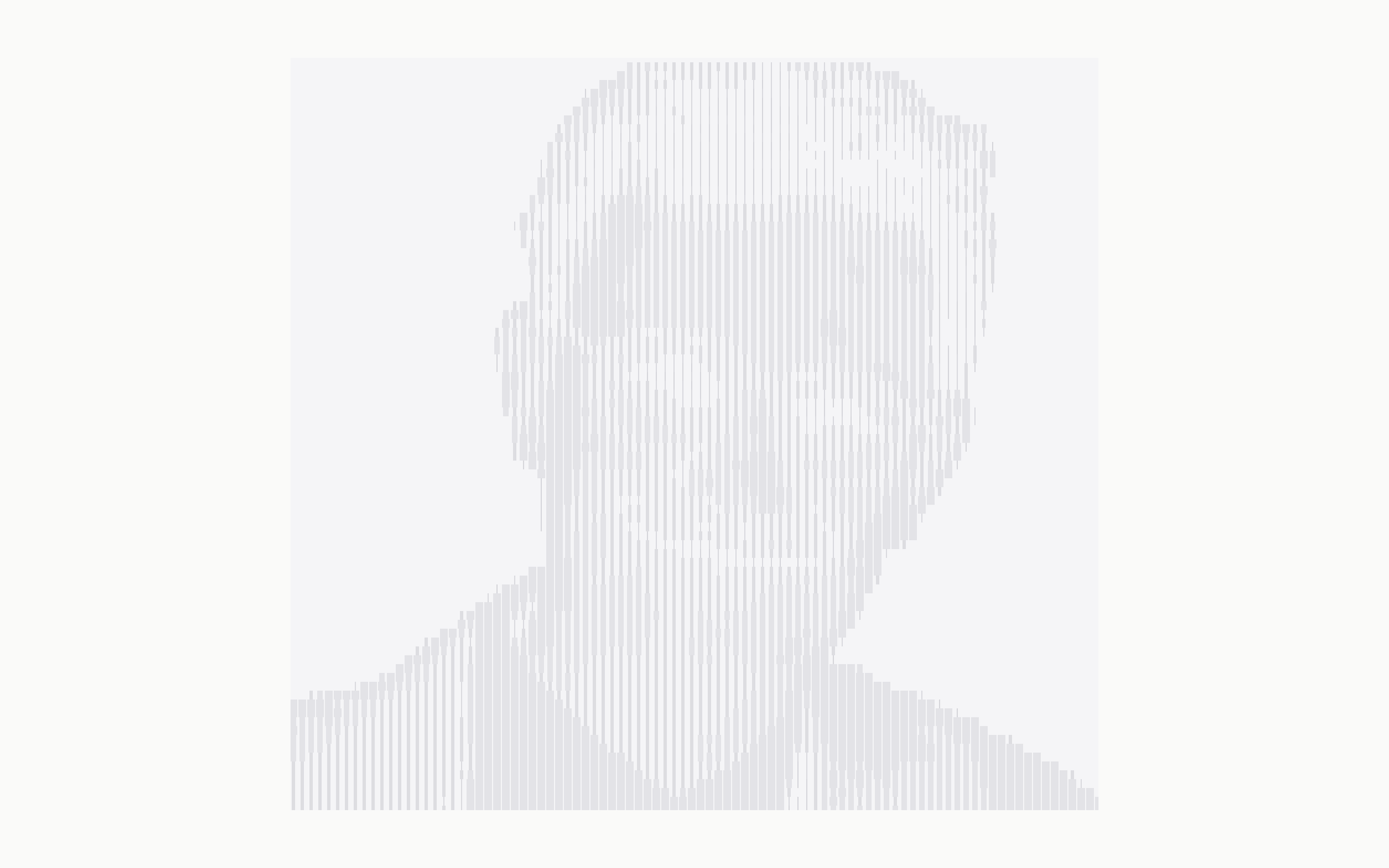
Trying the striped portrait beside the homepage text. 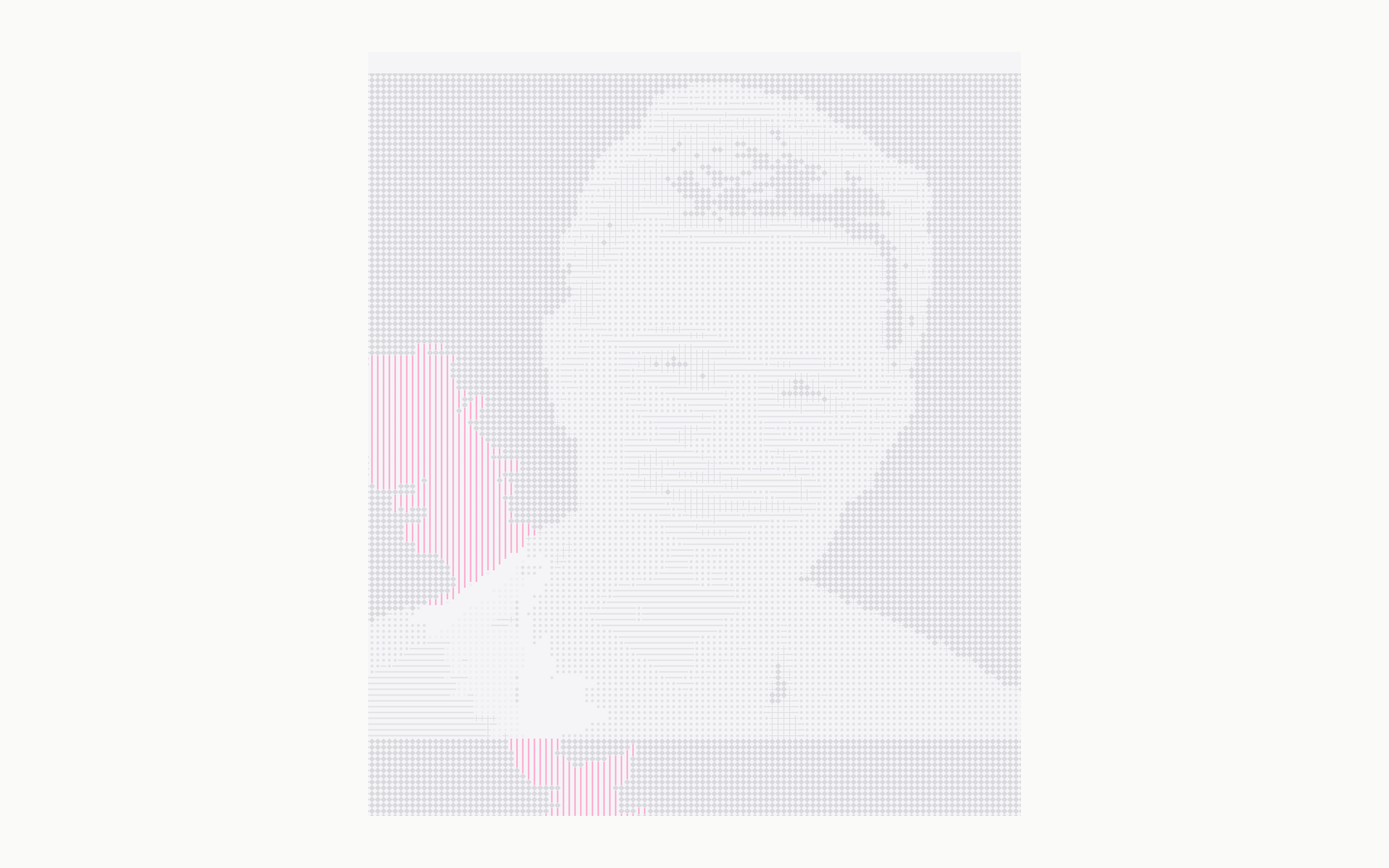
Testing how much of the photo to reveal at once. 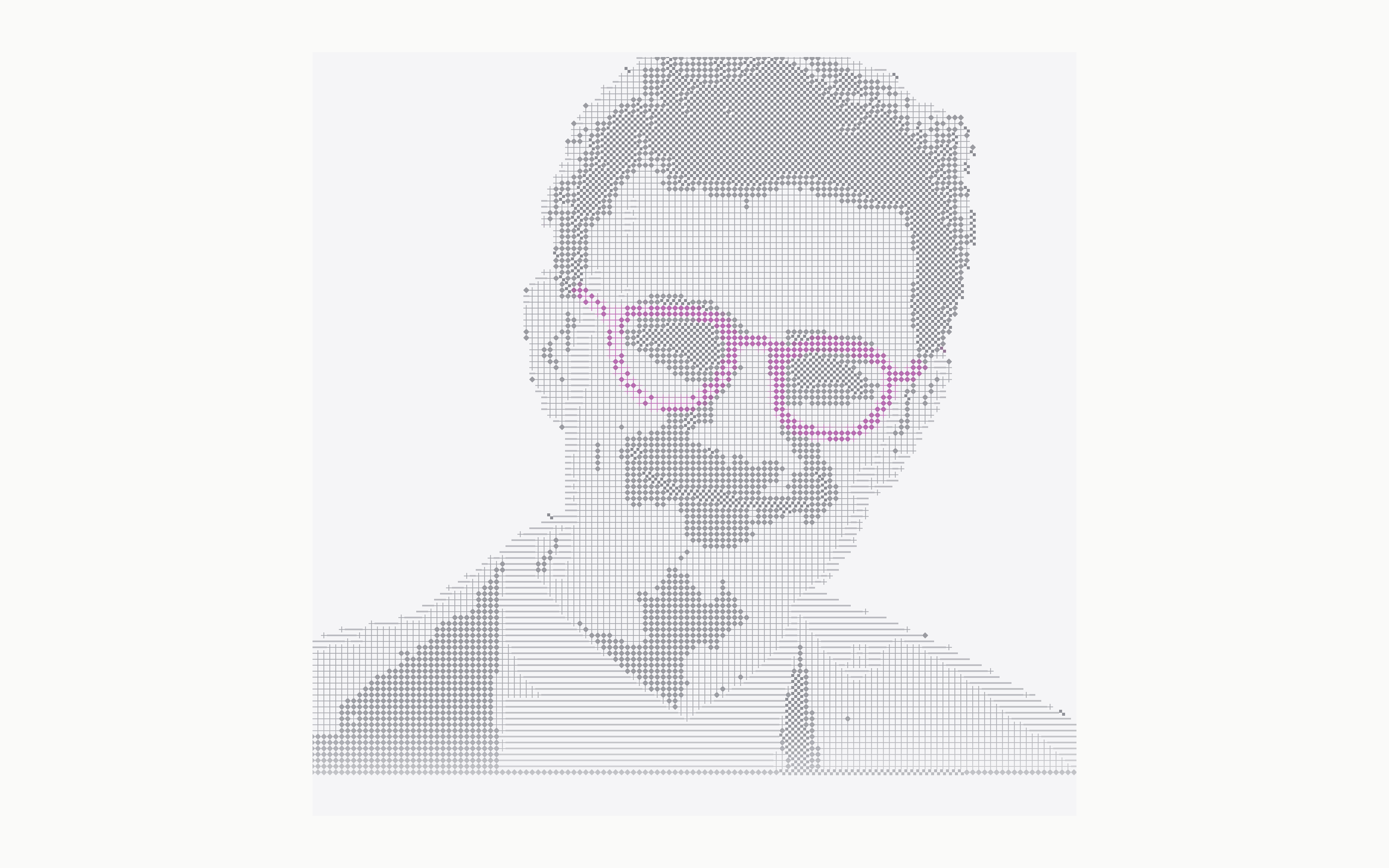
Keeping the glasses pink within the pattern.
From photo to pattern
The renderer divides the photo into small tiles and reads the brightness of each one. It then draws a matching mark in its place. Together, the marks reproduce the light and dark areas of the face.
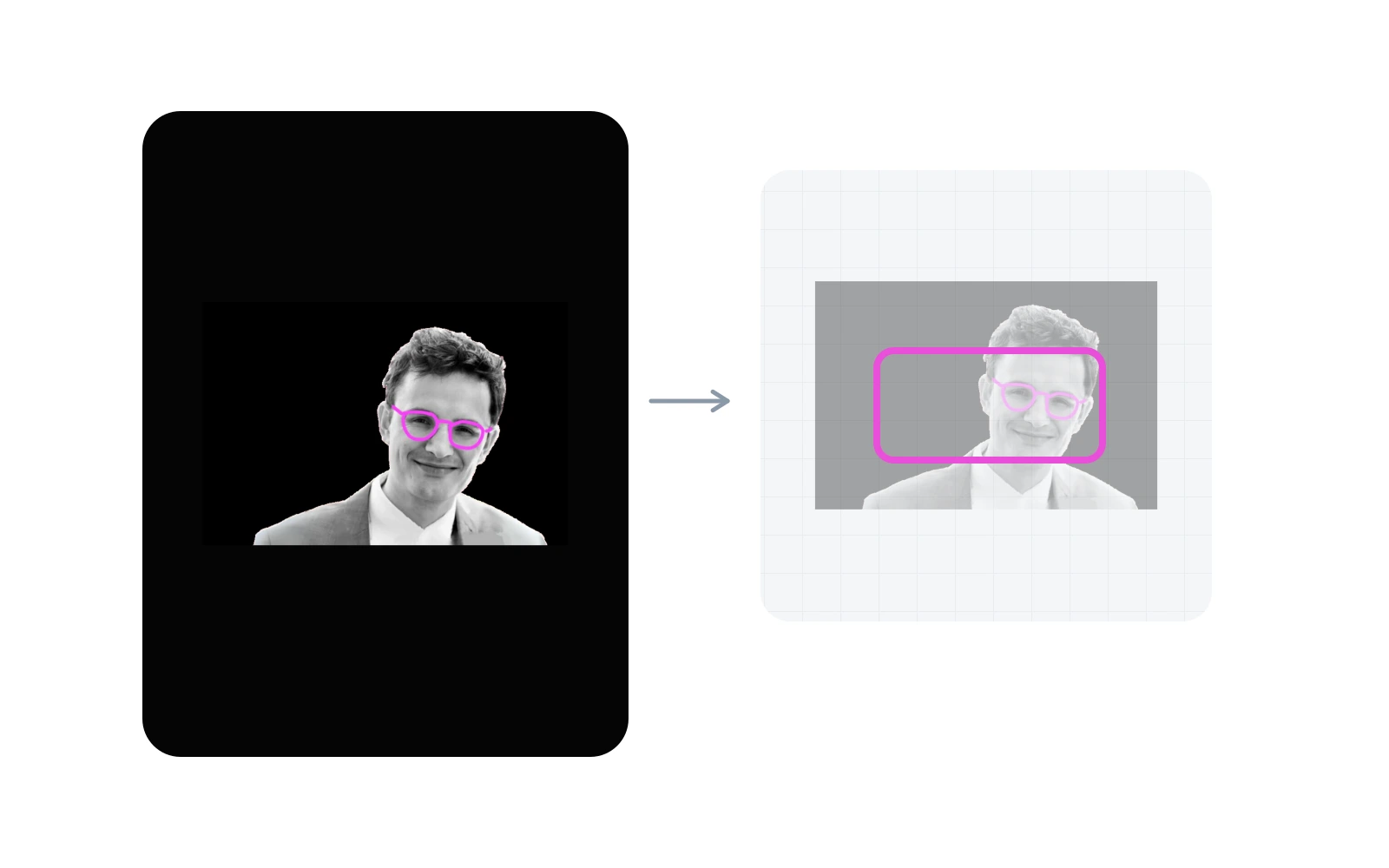
The original portrait. 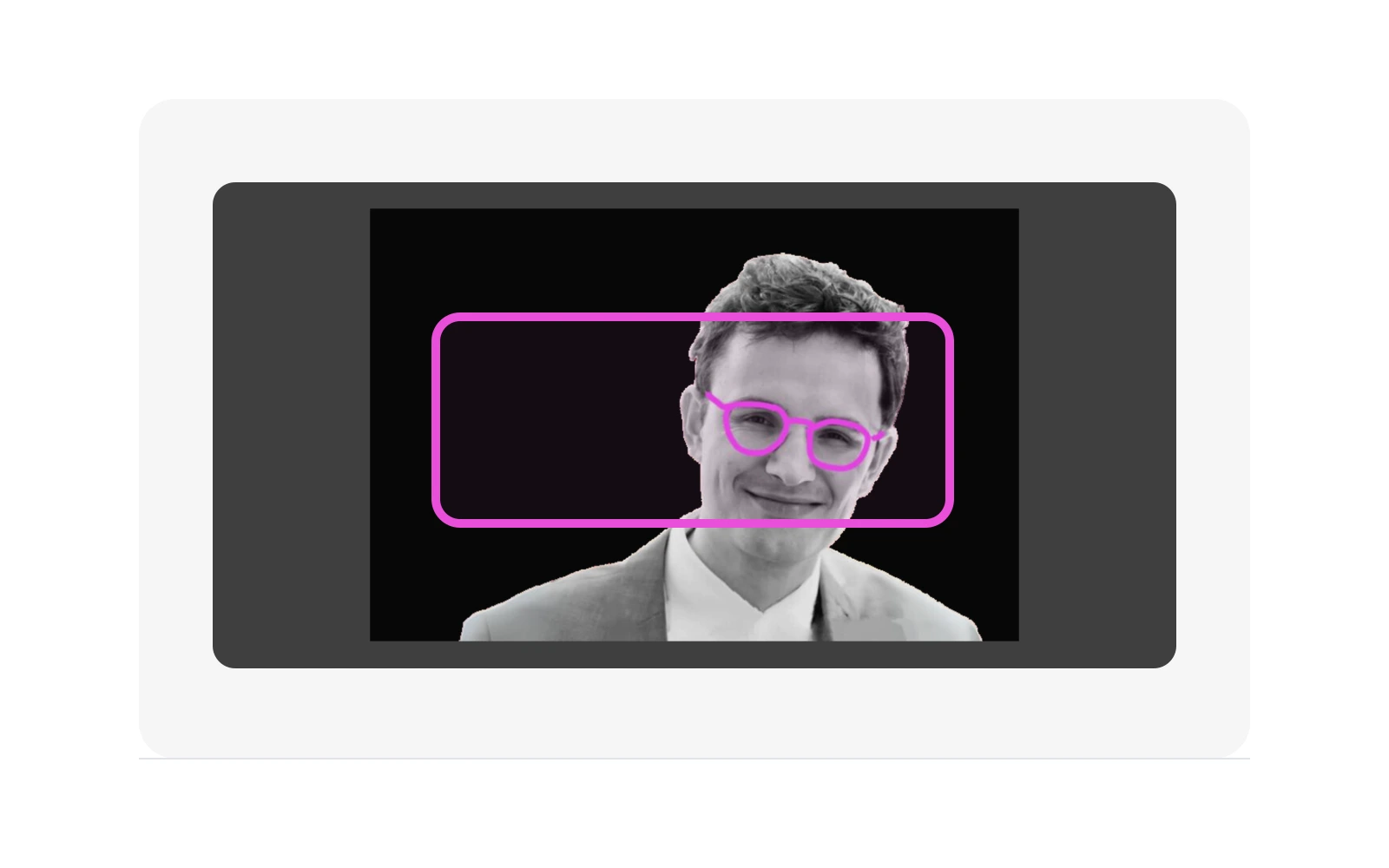
The portrait cropped to fit the frame. 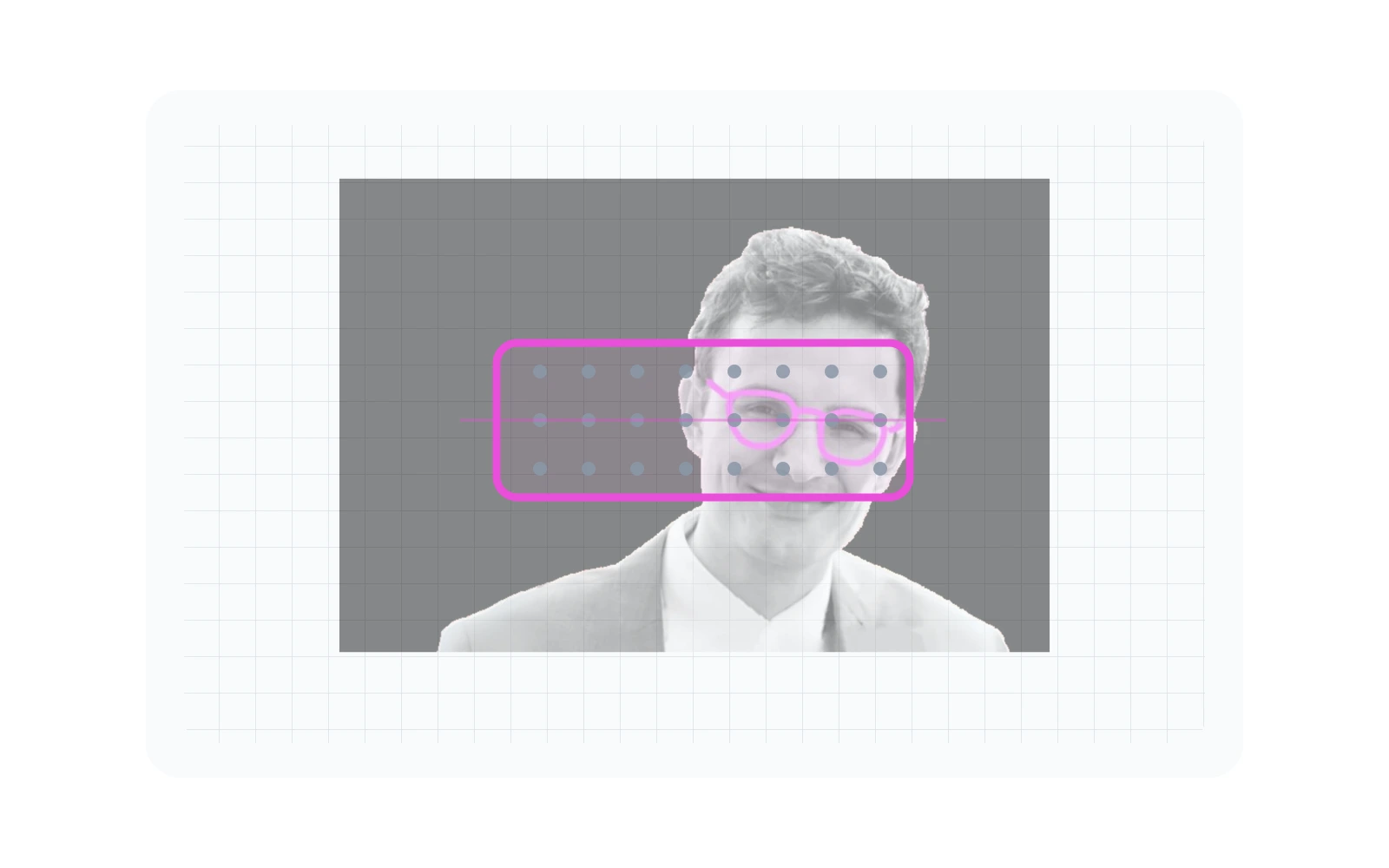
A grid divides the photo into tiles. 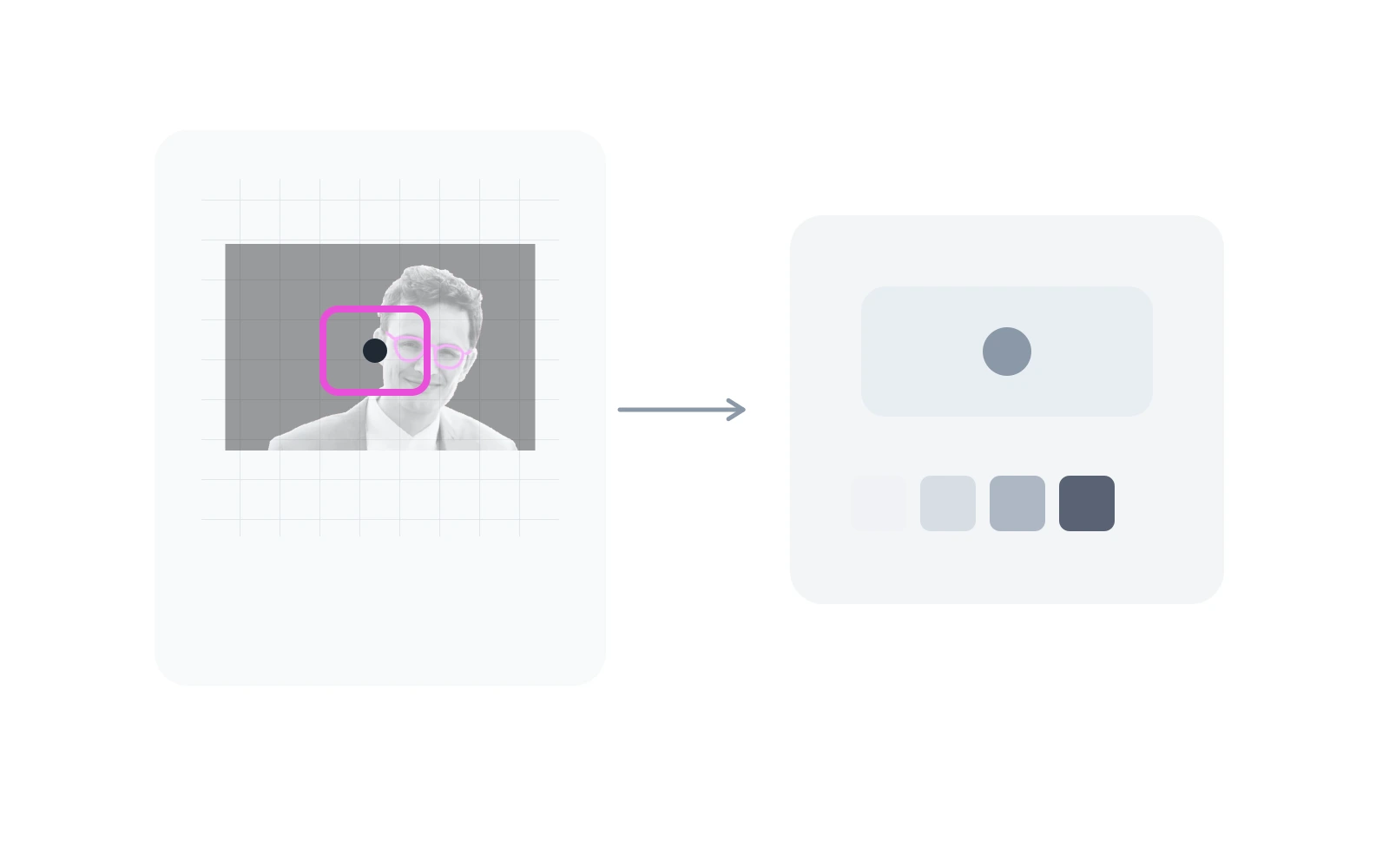
The brightness is sampled near the centre of each tile. 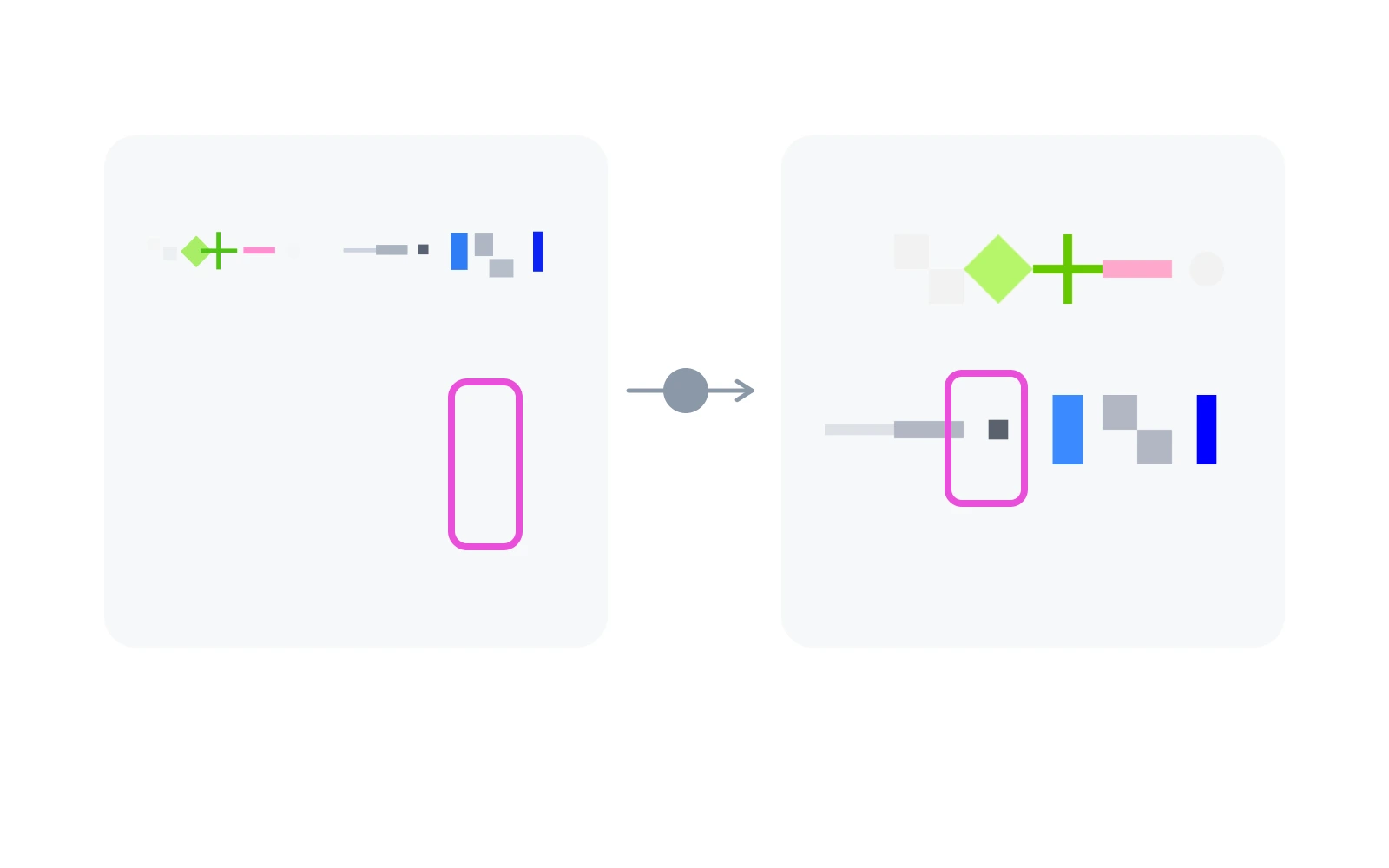
Each brightness value selects a mark from the atlas. 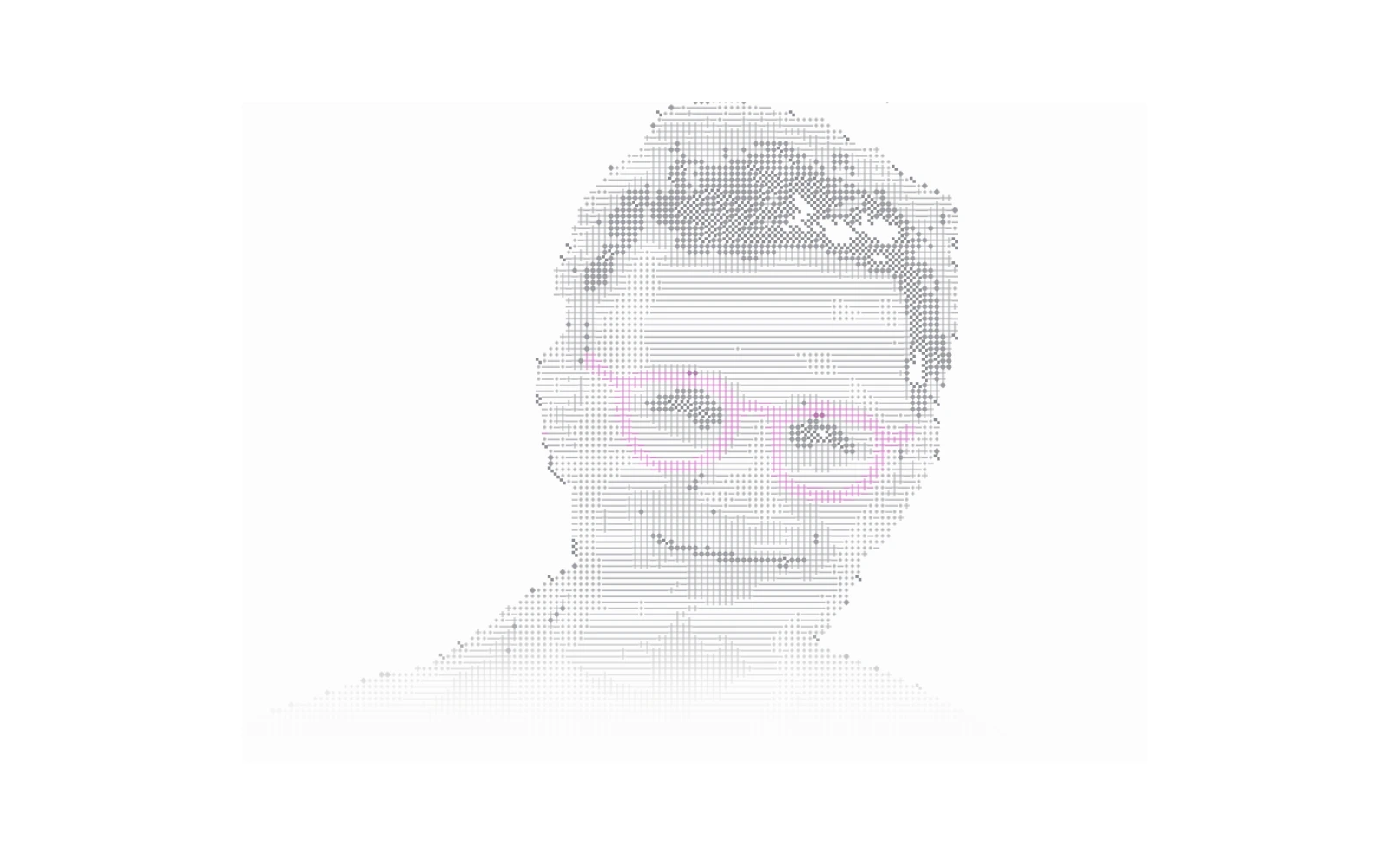
The portrait redrawn with graphic marks and pink glasses.
How the shader draws the portrait
The marks come from a small image called an atlas. Sparse marks represent lighter areas of the photo; denser ones represent darker areas. Changing this sheet of patterns changes the appearance of the portrait.
I built the effect with WebGL. The shader runs on the graphics processor, choosing and drawing the marks across the image. It also reads the pointer trail to decide where to reveal a different pattern or more of the original photo.


One quick sweep
The reveal was the hardest part to figure out. I kept thinking about someone who spends only two seconds looking at my portfolio. They might not notice the interaction at all. If they did, I wanted one quick sweep of the pointer to be enough to see my face.
That was what I was aiming for while adjusting the size and strength of the reveal, and how long it stayed visible.
A fluid simulation creates the trail behind the pointer. The shader uses it to reveal the image or alternate patterns while the tile grid stays in place. The homepage version can show the original photo; the experiment on this page switches between patterns.
Data flow
Try the settings
I used this control panel to change the tile size, patterns, crop, and reveal while looking at the portrait. You can try the same adjustments below, including how the effect looks with other images.
The homepage portrait, this article, and the experiment preview use the same renderer with different settings.