Moonpoints
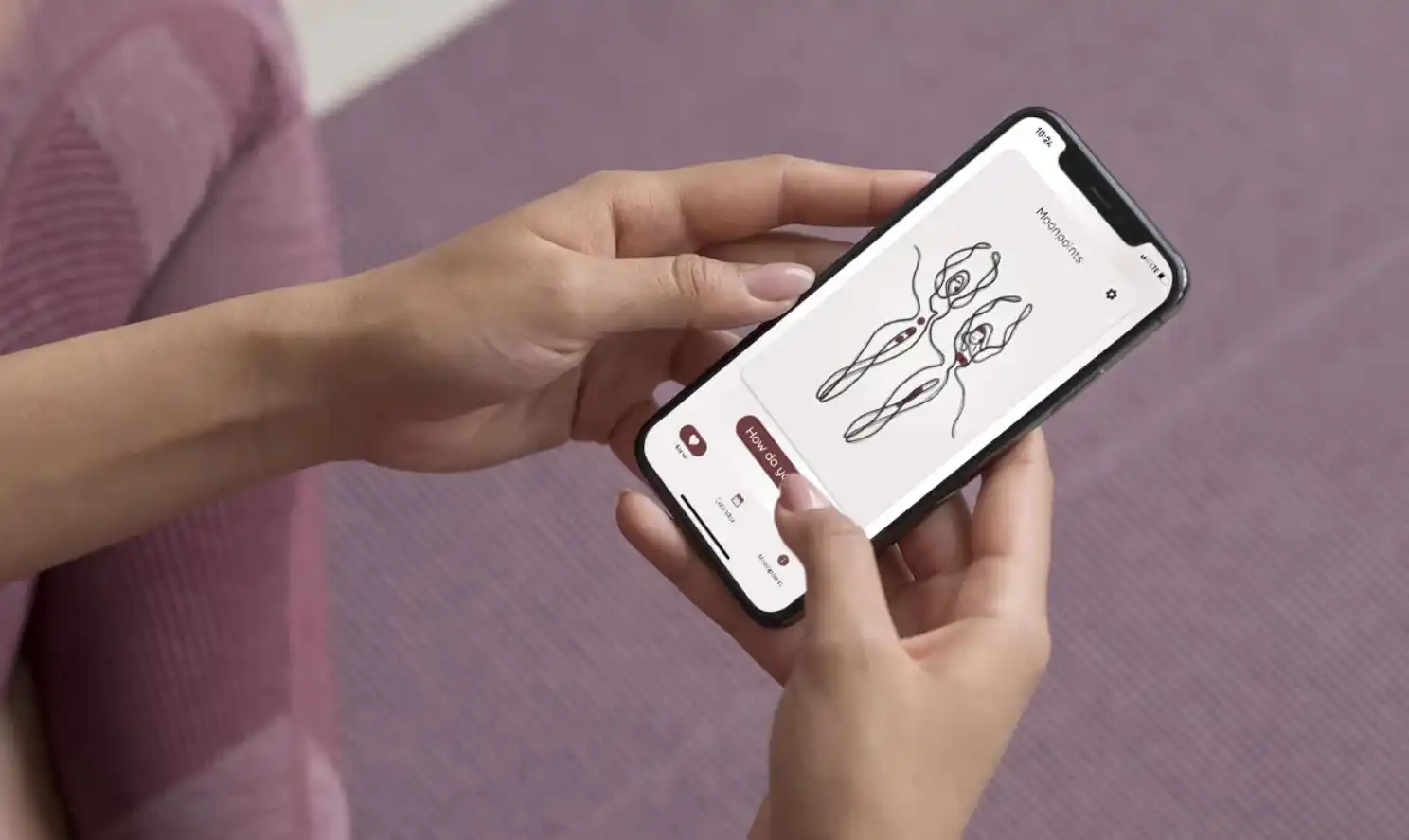
A lightweight cycle-tracking experience focused on clarity, trust, and daily usability. The product reduces friction in everyday check-ins and improves confidence in forecasting.
Overview
Client
Moonpoints
Tools
Figma, Prototyping, UI Systems
Role
UX/UI Design
Focus
Reduce friction in daily tracking and improve confidence in forecasting
1) Daily check-in
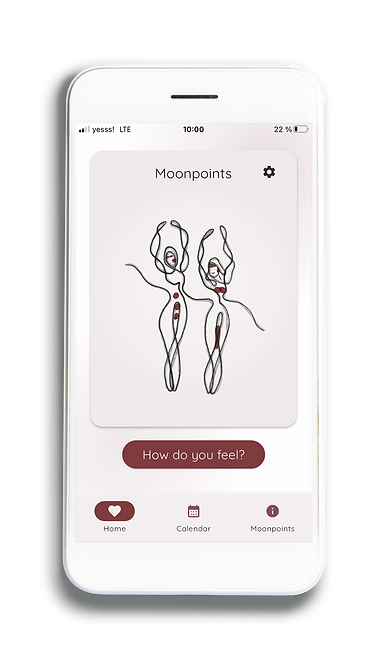
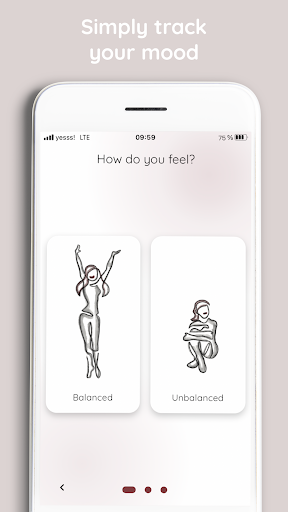
The home flow is intentionally short: users can log their current status in seconds without navigating through multiple screens.
2) Forecast confidence
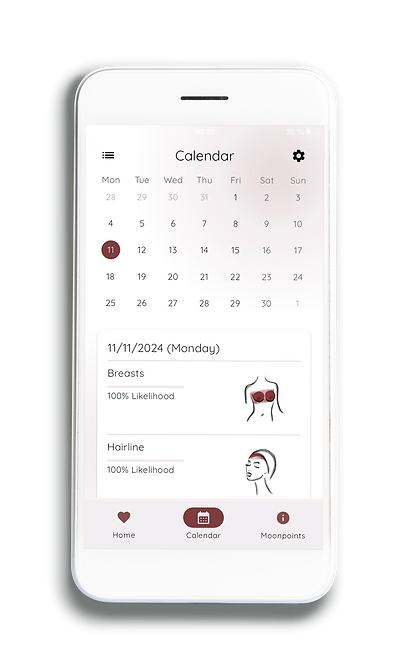
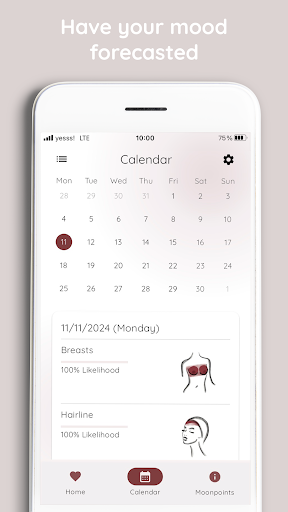
Forecasting is presented with confidence signals so users can understand not just the prediction, but also how reliable it currently is.
3) Calendar context
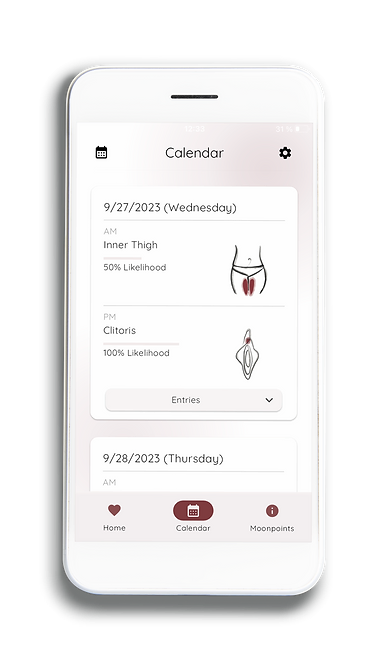
Calendar views give longer-term context while keeping day-level details accessible, helping users connect patterns over time.
4) Visual language
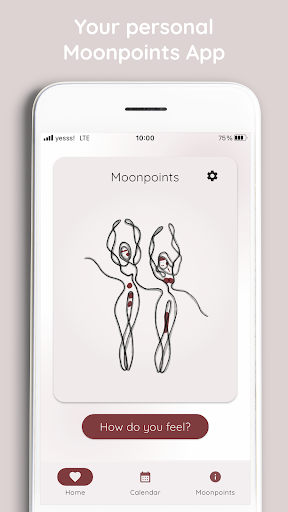
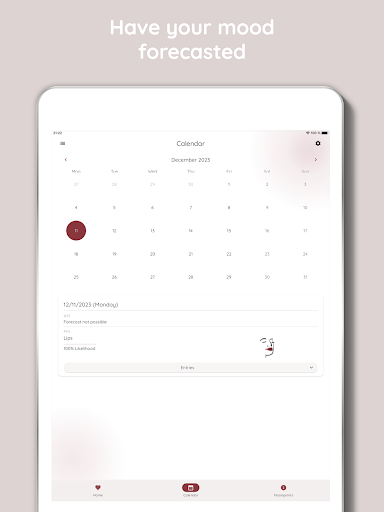
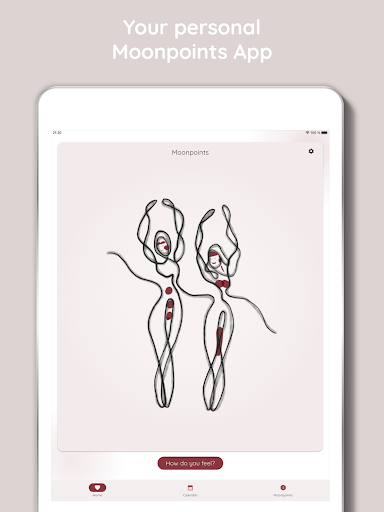
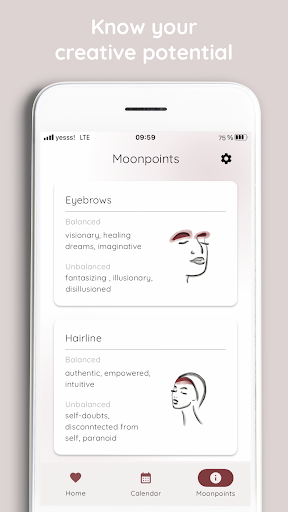
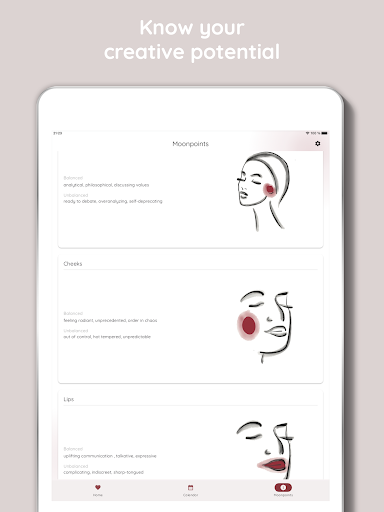
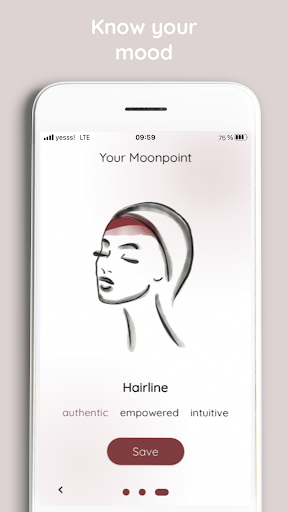
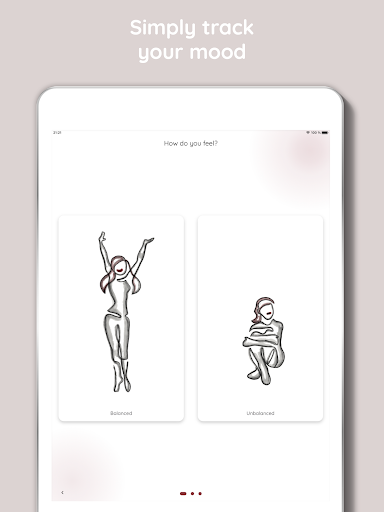
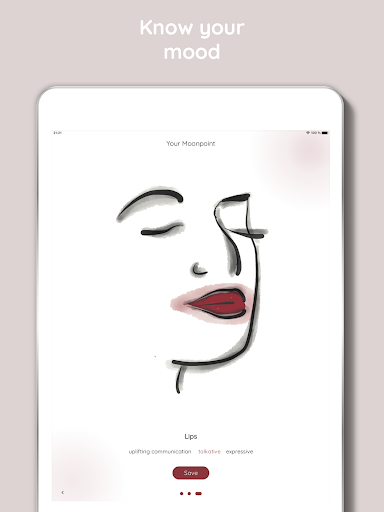
The UI uses gentle contrast, clear hierarchy, and restrained motion so interaction feels calm and predictable.
Outcome
- Shorter daily interaction path
- Clearer forecast communication
- Consistent visual system across key flows