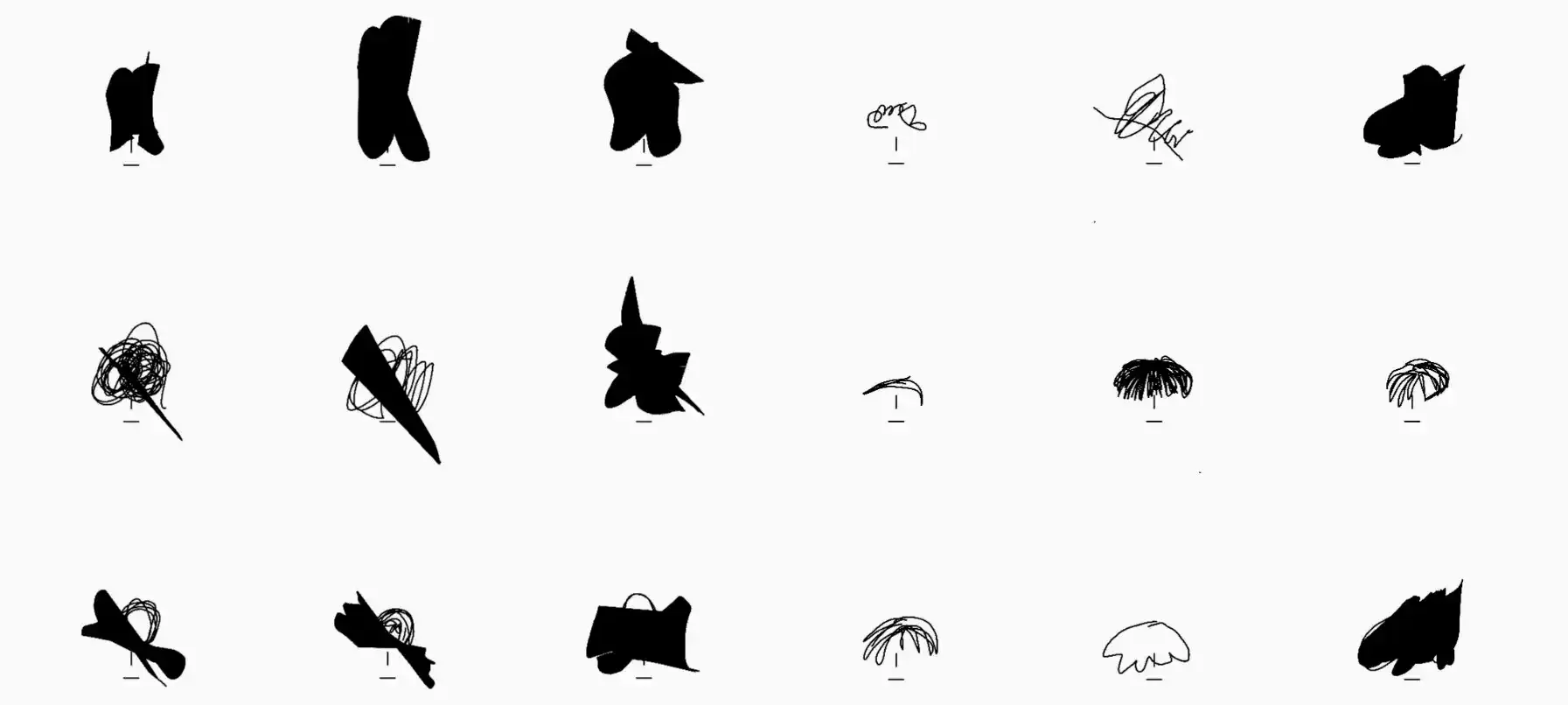
I built this sketching experiment to see how far Flutter can go for low-latency drawing. It combines a custom stroke engine with touch interactions that feel direct and predictable.
Project Type
Experimental Flutter Application
Tools Used
Flutter/Dart, VS Code, Git, Custom Drawing Engine
My Role
Full Stack Developer & UX Designer
Project Time
2 Months (Development & Testing)
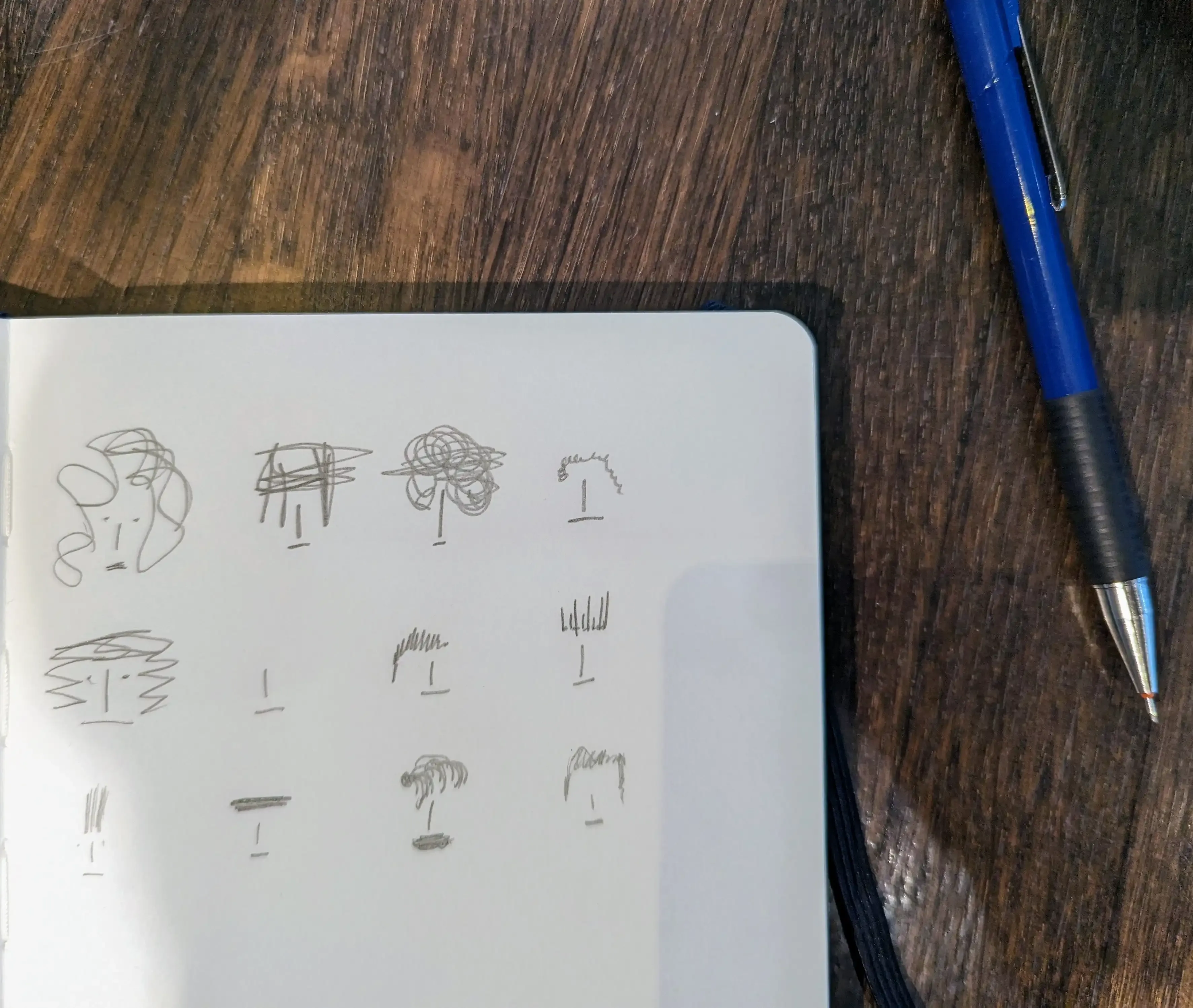
Technical Innovation
The app uses a custom drawing engine that processes touch input in real time and maps pressure and movement to believable strokes. It stays smooth even when the canvas gets busy.
It's built on Flutter's custom painting stack and tuned for both mobile and desktop.
Key Features
Pressure Sensitivity
Pressure input maps cleanly to line weight, so strokes feel expressive without turning jittery.
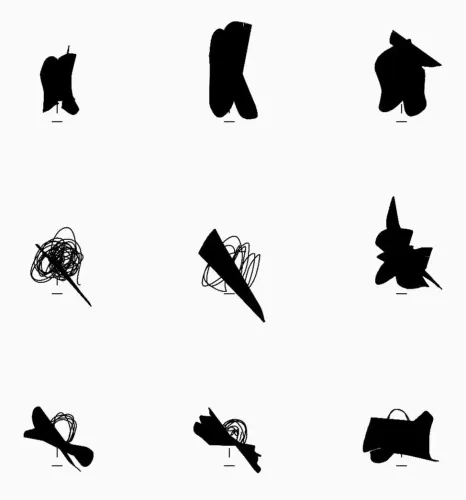
Pressure sensitivity demonstration with varying line weights in the hat sketches 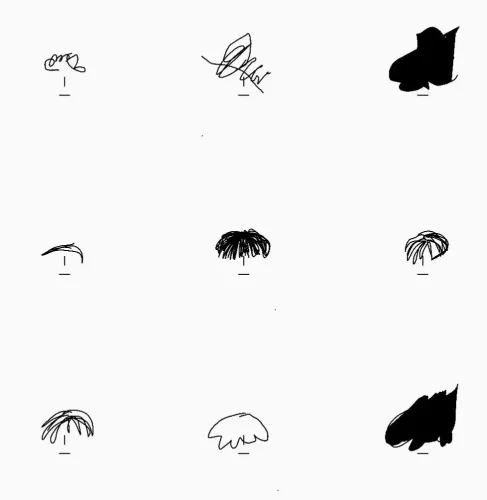
Gesture controls in action while sketching a bowl with smooth, controlled strokes 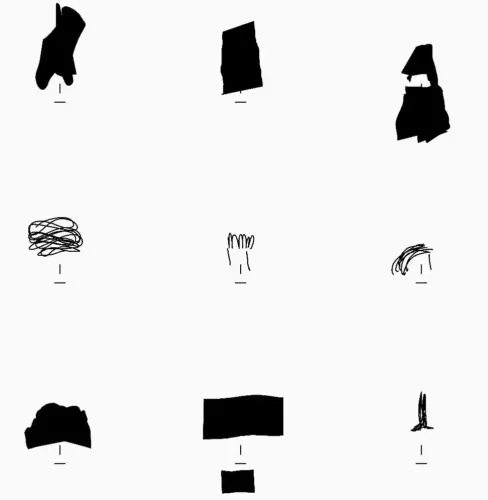
Detailed beard sketches that stress-test the engine on dense line work 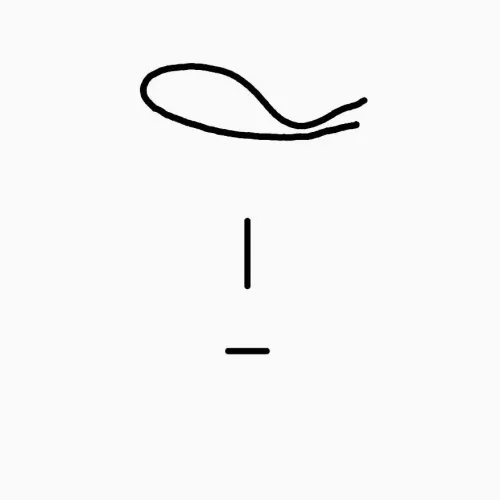
Expressive portrait sketch created with varied pressure and stroke speed
Responsive Engine
The rendering pipeline holds around 60fps even with dense brush strokes and large canvases.
Gesture Controls
Pinch-to-zoom, rotate, and pan behave the way people expect, so navigation gets out of the way.